
Security systems
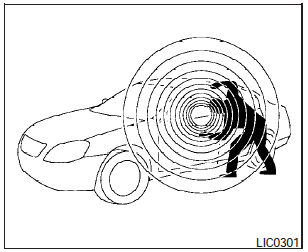
Security systems
Your vehicle has two types of security systems:
- Vehicle security system.
- NISSAN Vehicle Immobilizer System.
See also:
Let’s Practice
The system is equipped with a tutorial that allows
you to practice saying commands and receive
feedback on the volume, speed and timing of your
speech.
To initiate a practice session, access t ...
SENSE AND STYLE
Family Friendly (Not Really, Fair, Great, Excellent): Great
Fun-Factor (None, Some, Good Times, Groove-On): Groove on and on! ...
Locking doors
Locking doors
1. Close all windows.
2. Remove the key from the ignition switch.
3. Close the hood, trunk lid, and all doors.
4. Press the button on the keyfob. All
the doors lock. The hazard ...