
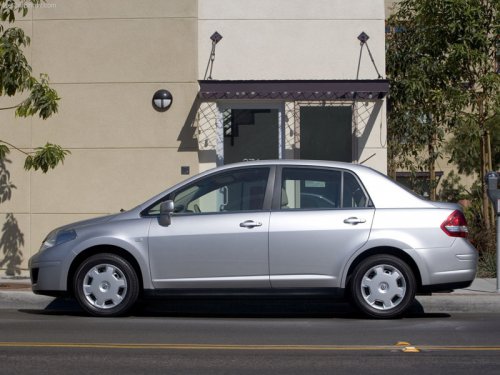
Nissan Versa
Nissan Versa
See also:
LATCH lower anchor location
LATCH lower anchor location
The LATCH lower anchors are located at the rear
of the seat cushion near the seatback. A label is
attached to the seatback to help you locate the
LATCH lower anchors. ...
If your vehicle overheats
If your vehicle is overheating (indicated by an
extremely high temperature gauge reading), or if
you feel a lack of engine power, detect abnormal
noise, etc., take the following steps.
WARNING
&# ...
2011 Nissan Sentra review
Some cars get all the attention, and the Nissan Sentra isn't one of them. Its
name isn't always uttered in the same sentences as models like the Honda Civic
and Toyota Corolla, but after driving o ...