
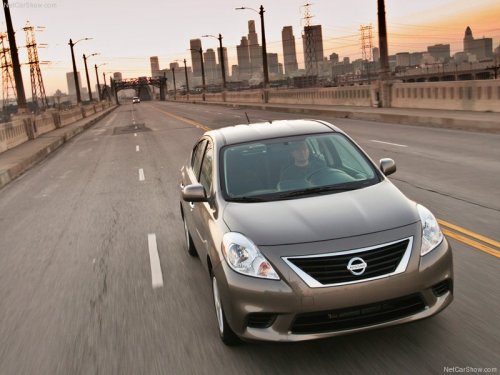
Nissan Versa
Nissan Versa
See also:
Increasing fuel economy
-Accelerate slowly and smoothly. Maintain
cruising speeds with a constant accelerator
position.
- Drive at moderate speeds on the highway.
Driving at high speed lowers fuel economy.
- Avoid unn ...
Indicators for maintenance
Indicators for maintenance
1. Engine oil replacement indicator
This indicator appears when the customer
set distance comes for changing the engine
oil. You can set or reset the distance for
cha ...
If the moonroof does not close
Have your NISSAN dealer check and repair the
moonroof. ...