
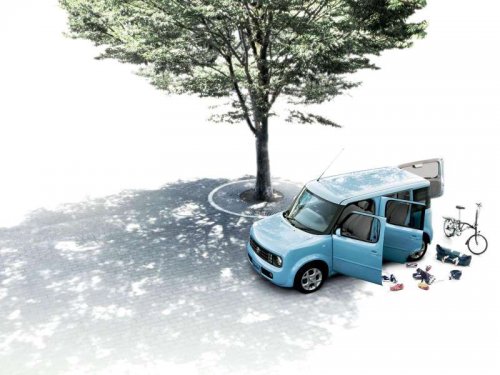
Nissan Cube
Nissan Cube
See also:
Additional features
For more information about the iPod player
available with this system, see “iPod player operation
with Navigation System” in this section.
For more information about the USB interface
avail ...
Glass
Use glass cleaner to remove smoke and dust
film from the glass surfaces. It is normal for glass
to become coated with a film after the vehicle is
parked in the hot sun. Glass cleaner and a soft ...
Daytime running light system (Canada only)
The daytime running lights automatically illuminate
when the engine is started with the parking
brake released. The daytime running lights
operate with the headlight switch in the OFF
position ...