
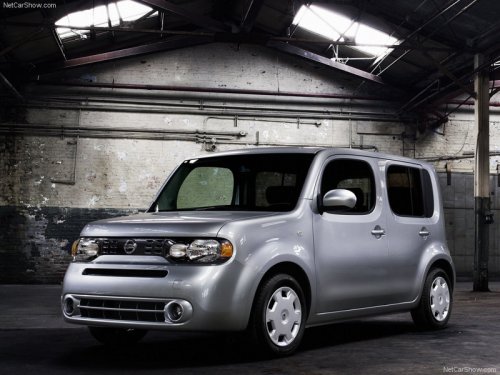
Nissan Cube
Nissan Cube
See also:
Rear-facing child restraint installation using the seat belts
● The three-point seat belt with Automatic
Locking Retractor (ALR) must be
used when installing a child restraint.
Failure to use the ALR mode will result
in the child restraint not b ...
Keyfob
Replace the battery in the keyfob as follows:
1. Remove the screw.
2. Insert a small screwdriver into the slit of the
corner and twist it to separate the upper part
from the lower part. Use a ...
INTERIOR
Storage is at a premium in the Rogue. Truthfully, it's a problem in many
small cars and SUVs. The Rogue has two cupholders in the front row. There's a
slot next to the cupholders to house your cel ...