
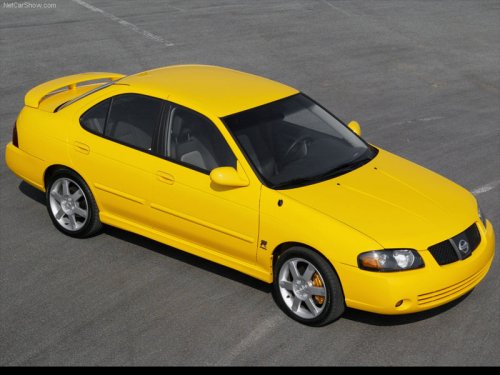
Nissan Sentra
Nissan Sentra
See also:
Push-Button Ignition Switch
Push-Button Ignition Switch
WARNING:
Do not operate the push-button ignition
switch while driving the vehicle except in
an emergency. (The engine will stop when
the ignition switch is pushed ...
Power outlet
Instrument panel
The power outlets are for powering electrical
accessories such as cellular telephones. They
are rated at 12 Volt, 120W (10A) maximum.
The power outlet located on the bottom ce ...
Xenon headlights (if so equipped)
HIGH VOLTAGE
- When xenon headlights are on, they
produce a high voltage. To prevent
an electric shock, never attempt to
modify or disassemble. Always have
your xenon headlights replaced ...