
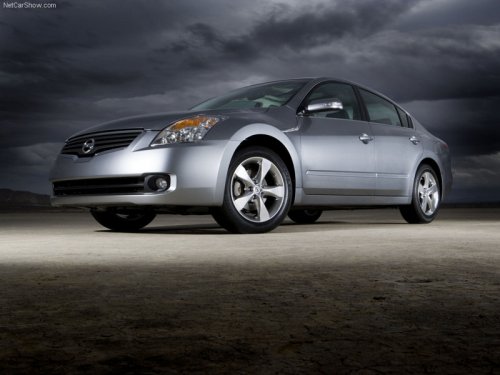
Nissan Altima
Nissan Altima
See also:
Owner’s Manual/Service Manual order information
A genuine NISSAN Service Manual is the best
source of service and repair information for your
vehicle. Filled with wiring diagrams, illustrations
and step-by-step diagnostic and adjustment procedur ...
Unlocking doors
Unlocking doors
Press the button on the keyfob once.
● Only the driver’s door unlocks.
● The hazard warning lights flash once if all
doors are completely closed with the ignition ...
When traveling or registering your vehicle in
another country
When planning to drive your NISSAN vehicle
in another country, you should first find
out if the fuel available is suitable for your vehicle’s
engine.
Using fuel with an octane rating that is too ...