
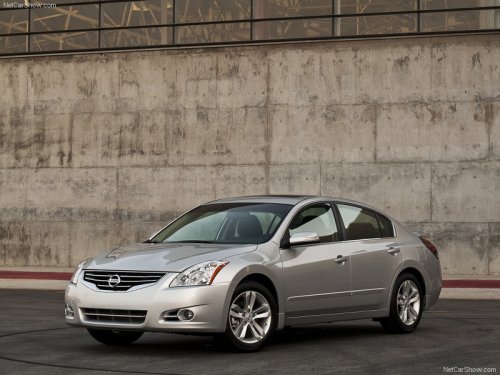
Nissan Altima
Nissan Altima
See also:
Vehicle recovery (freeing a stuck vehicle)
- Stand clear of a stuck vehicle.
- Do not spin your tires at high speed.
This could cause them to explode
and result in serious injury. Parts of
your vehicle could also overheat
and be da ...
Doors
When the doors are locked using one of the
following methods, the doors can not be opened
using the inside or outside door handles. The
doors must be unlocked to open the doors.
WARNING:
- Alw ...
Flat towing
Towing your vehicle with all four wheels on the
ground is sometimes called flat towing. This
method is sometimes used when towing a vehicle
behind a recreational vehicle, such as a motor
home. ...