
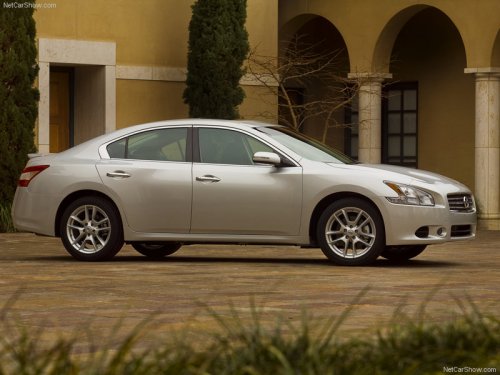
Nissan Maxima
Nissan Maxima
See also:
IC Regulatory information
- Operation is subject to the following two
conditions: (1) this device may not cause
interference, and (2) this device must accept
any interference, including interference that
may cause unde ...
Control buttons
Control buttons
The control buttons for the Bluetooth® Hands-
Free Phone System are located on the steering
wheel.
PHONE SEND
Push the button to initiate a VR
session or
answer an inco ...
Driving Impressions
The Pathfinder is a mighty smooth operator. Not only is Nissan’s SUV a true
pleasure to drive and ride in, but it also delivers plenty of performance. The
ride quality reaches close to gentle, a ...