
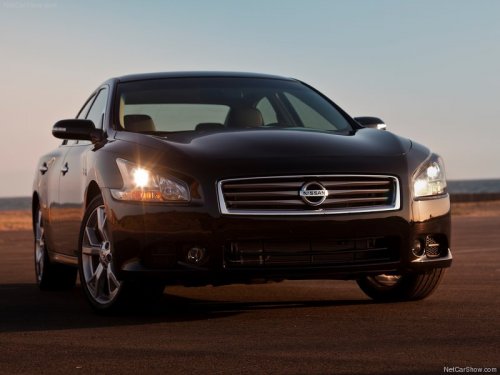
Nissan Maxima
Nissan Maxima
See also:
FM/AM/SAT radio with compact disc (CD) player (if so equipped)
For all operation precautions, see "Audio operation
precautions" in this section.
Audio main operation
VOL/ON·OFF control:
Place the ignition switch in the ACC or ON
position and push the VOL/ ...
If your vehicle overheats
If your vehicle is overheating (indicated by an
extremely high temperature gauge reading), or if
you feel a lack of engine power, detect abnormal
noise, etc., take the following steps.
WARNING
&# ...
Stress-Free Driving, Room For Personalization
Cube's stress-free driving experience is the result of a number of factors: a
tall seating position made possible by the tall body height, an extremely short
hood "invisible length" (the ...