
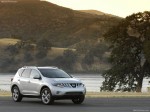
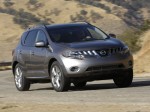
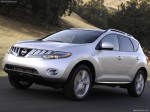
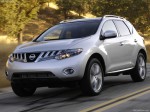
Nissan Murano (2009)
Nissan Murano / Gallery / Nissan Murano (2009)

|
|

|
|
|
|
See also:
Door locks/unlocks precaution
- Do not push the door handle request switch
with the Intelligent Key held in your hand as
illustrated. The close distance to the door
handle will cause the Intelligent Key system
to have di ...
Boxy Dynamics
I have no reason to believe the Cube is unstable, and it has a standard
electronic stability system, but it does feel more top-heavy than the other
boxes — and definitely more so than convention ...
Programming HomeLink
1. To begin, press and hold the two outer
HomeLink buttons (to clear the memory)
until the indicator light (1) blinks (after 20
seconds). Release both buttons.
2. Position the end of the hand ...