
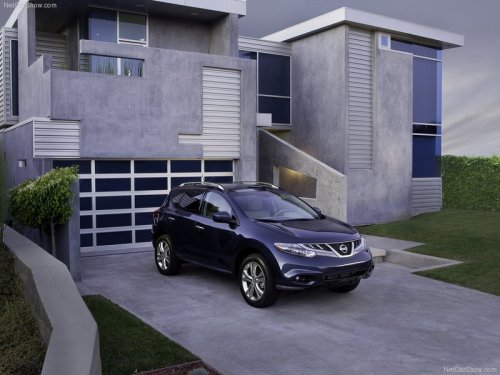
Nissan Murano
Nissan Murano
See also:
Mechanical key
The Intelligent Key contains the mechanical key.
To remove the mechanical key, release the lock
knob on the back of the Intelligent Key.
To install the mechanical key, firmly insert it into
the ...
Tire chains
Tire chains/cables should not be installed
on P225/45R17 size tires. Installation of
the tire chains/cables on P225/45R17 size
tires will cause damage to the vehicle. If
you plan to use ti ...
Manual windows (if so equipped)
Manual windows (if so equipped)
The side windows can be opened or closed by
turning the hand crank on each door. ...