
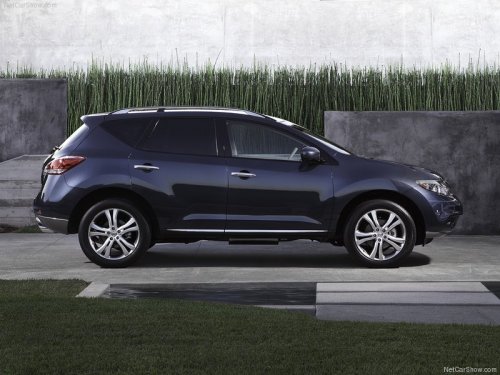
Nissan Murano
Nissan Murano
See also:
NISSAN Advanced Air Bag System
(front seats)
This vehicle is equipped with the NISSAN Advanced
Air Bag System for the driver and front
passenger seats. This system is designed to
meet certification requirements under U.S. regulations.
It ...
Getting started
The following procedures will help you get
started using the Bluetooth® Hands-Free Phone
System with NISSAN Voice Recognition. For
additional command options, refer to “List of
voice comman ...
Heating
This mode is used to direct heated air to the foot
outlets. Some air also flows from the defrost
outlets and outboard vents.
1. Push the button to the off position for
normal heating.
2. Turn ...