
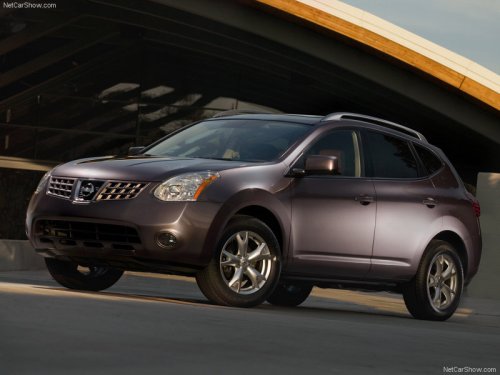
Nissan Rogue
Nissan Rogue
See also:
Steering wheel
Do not adjust the steering wheel while
driving. You could lose control of your
vehicle and cause an accident. ...
Anti-lock Braking System (ABS)
- The Anti-lock Braking System (ABS)
is a sophisticated device, but it
cannot prevent accidents resulting
from careless or dangerous driving
techniques. It can help maintain
vehicle cont ...
Operating tips
-When the shift selector is shifted to the R
(Reverse) position, the display screen automatically
changes to the RearView Monitor
mode. However, the radio can be heard.
- It may take some time ...