
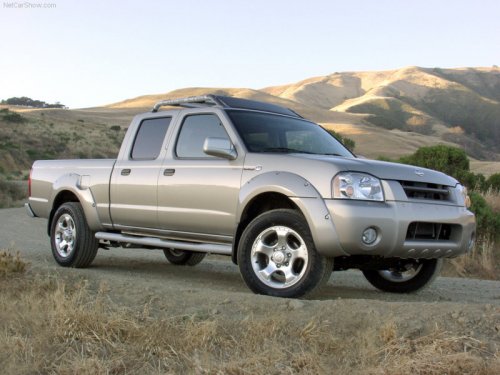
Nissan Frontier
Nissan Frontier
See also:
INTERIOR
The interior of the Pathfinder was where I had most of my problems. I may
have even used an inappropriate word or two in frustration.
My problem was I couldn't figure out how to use most of the sy ...
Connecting procedure
1. Press the SETTING button on the instrument
panel and select the Bluetooth key
on the display.
2. Select the Connect Bluetooth key.
3. A popup box will appear on the screen,
prompting ...
Exterior and interior lights
Coupe
1. Mirror-mounted turn signal light
(if so equipped)
2. Interior light
3. Map light
4. Headlamp assembly
5. Fog light (if so equipped)
6. Step light
7. High-mount stoplight
8. Trunk ...