
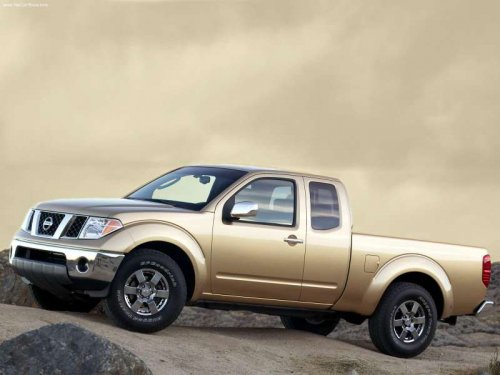
Nissan Frontier
Nissan Frontier
See also:
Out, Damned (Blind) Spot
The Rogue's sight lines are its biggest problem. With bulky D-pillars, fixed
rear head restraints and an undersized rear window, it ranked as the worst of 10
small crossovers — eight of which ar ...
Operating tips
-When the engine coolant temperature and
outside air temperature are low, the air flow
from the foot outlets may not operate for a
maximum of 150 seconds. However, this is
not a malfunction. ...
To protect your vehicle from corrosion
● Wash and wax your vehicle often to keep the
vehicle clean.
● Always check for minor damage to the paint
and repair it as soon as possible.
● Keep drain holes at the bottom of t ...