
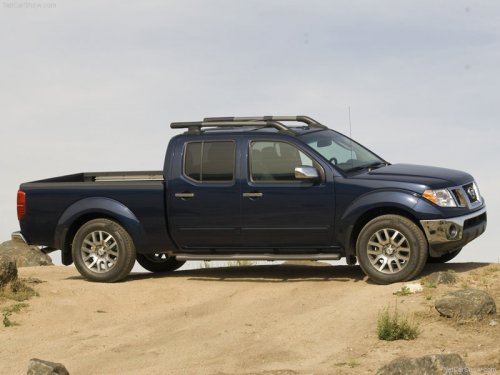
Nissan Frontier
Nissan Frontier
See also:
Headlight beam select
1 To select the high beam function, push the
lever forward. The high beam lights come on
and the light illuminates.
2 Pull the lever back to select the low beam.
3 Pulling and releasing the lev ...
Vanity mirrors (if so equipped)
Coupe shown, sedan similar
To access the vanity mirror, pull the sun visor
down and flip open the mirror cover. Some vanity
mirrors are illuminated and turn on when the
mirror cover is open. ...
Security systems
Your vehicle has two types of security systems,
as follows:
- Vehicle security system
- NISSAN Vehicle Immobilizer System
The security condition will be shown by the
security indicator ligh ...