
Nissan Frontier
Nissan Frontier
See also:
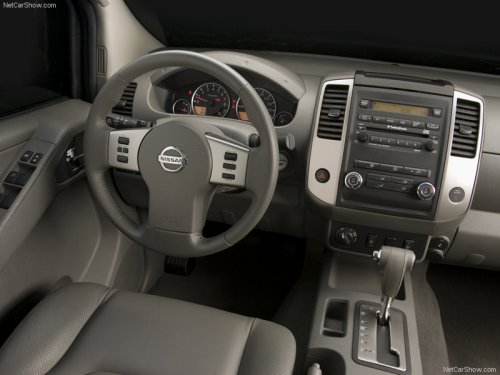
Accelerator downshift — In D position —
For passing or hill climbing, fully depress the
accelerator pedal to the floor. This shifts the
transmission down into a lower gear, depending
on the vehicle speed. ...
Avoiding collision and rollover
Failure to operate this vehicle in a safe
and prudent manner may result in loss
of control or an accident.
Be alert and drive defensively at all times. Obey
all traffic regulations. Avoid e ...
Safety
The Insurance Institute for Highway Safety has designated the 2010 Nissan
Cube a Top Safety Pick thanks to its top ratings of Good in all tests: frontal,
side and rear impacts, and roof strength. ...