
Audio operation precautions
Nissan Sentra / Nissan Sentra Owners Manual / Display screen, heater, air conditioner, audio and phone systems / Audio system / Audio operation precautions
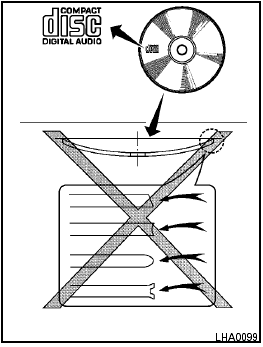
Audio operation precautions
See also:
How to read the displayed lines
Without Navigation System
Lines which indicate the vehicle clearance and
distances to objects with reference to the bumper
line A are displayed on the monitor.
They are indicated as reference ...
NISSAN Intelligent Key™ battery discharge
If the battery of the Intelligent Key is almost discharged,
the guide light A of the Intelligent Key
port blinks and the indicator appears on the vehicle
information display. See “Vehicle infor ...
Switch operation
The windshield wiper and washer switch operates
when the ignition switch is placed in the ON
position.
Push the lever down to operate the wiper at the
following speed:
1 Intermittent — interm ...