
Vehicle Dynamic Control (VDC) OFF switch
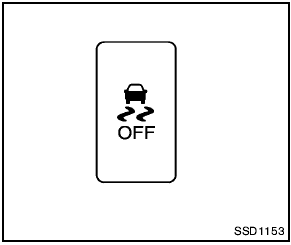
Vehicle Dynamic Control (VDC) OFF switch
The vehicle should be driven with the Vehicle Dynamic Control (VDC) system on for most driving conditions.
If the vehicle is stuck in mud or snow, the VDC system reduces the engine output to reduce wheel spin. The engine speed will be reduced even if the accelerator is depressed to the floor.
If maximum engine power is needed to free a stuck vehicle, turn the VDC system off.
To turn off the VDC system, push the VDC OFF
switch. The  indicator will illuminate.
Push the VDC OFF switch again or restart the engine to turn on the system. (See “Vehicle Dynamic Control (VDC) system” in the “5.
Starting and driving” section.)
See also:
Daytime running light system (Canada only)
The headlights automatically illuminate at a reduced
intensity when the engine is started with
the parking brake released. The daytime running
lights operate with the headlight switch in the
O ...
Cooling
This mode is used to cool and dehumidify the air.
1. Push the button to the off position.
2. Turn the air flow control dial to the MAX A/C
or
position.
3. Turn the fan control dial to the desi ...
Rear-facing child restraint installation using the seat belts
● The three-point seat belt with Automatic
Locking Retractor (ALR) must be
used when installing a child restraint.
Failure to use the ALR mode will result
in the child restraint not b ...