
Personal lights - front
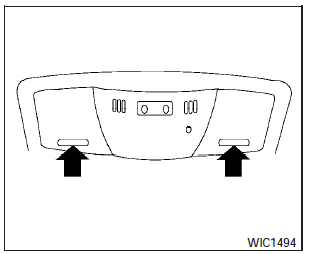
Models without moonroof
To turn the map lights on, press the switches. To turn them off, press the switches again.
CAUTION:
Do not use for extended periods of time with the engine stopped. This could result in a discharged battery.
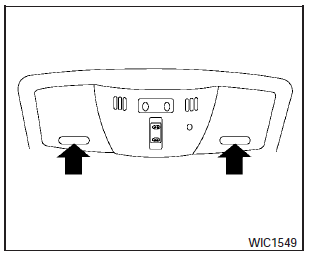
Models with moonroof
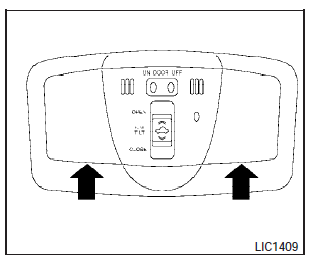
Models with dual panel moonroof
See also:
Operating range
The Intelligent Key functions can only be used
when the Intelligent Key is within the specified
operating range from the request switch (1) .
When the Intelligent Key battery is discharged or
...
Driving Impressions
The Pathfinder is a mighty smooth operator. Not only is Nissan’s SUV a true
pleasure to drive and ride in, but it also delivers plenty of performance. The
ride quality reaches close to gentle, a ...
Stress-Free Driving, Room For Personalization
Cube's stress-free driving experience is the result of a number of factors: a
tall seating position made possible by the tall body height, an extremely short
hood "invisible length" (the ...