
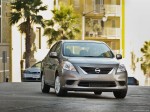
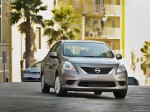
Nissan Versa Sedan (2012)
Nissan Versa / Gallery / Nissan Versa Sedan (2012)
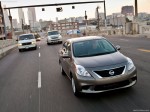
|
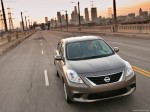
|
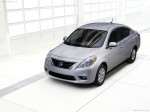
|
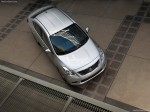
|
|
|
See also:
NISSAN Voice Recognition System (if so equipped)
NISSAN Voice Recognition allows hands-free
operation of the systems equipped on this vehicle,
such as phone and vehicle information.
There are two voice recognition modes of operation
available ...
Exterior and interior lights
Coupe
1. Mirror-mounted turn signal light
(if so equipped)
2. Interior light
3. Map light
4. Headlamp assembly
5. Fog light (if so equipped)
6. Step light
7. High-mount stoplight
8. Trunk ...
Tire inflation pressure
Check the pressure of the tires (including
the spare) often and always prior to long
distance trips. The recommended tire
pressure specifications are shown on the
Tire and Loading Information ...