
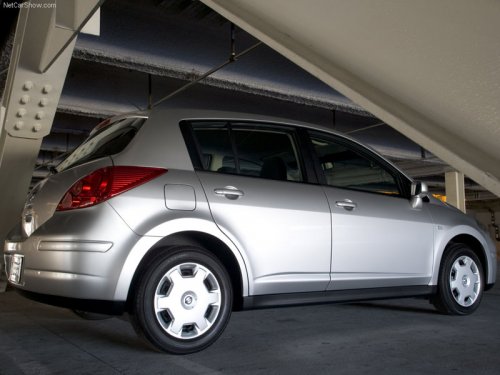
Nissan Versa
Nissan Versa
See also:
Before starting the engine
● Make sure the area around the vehicle is
clear.
● Check fluid levels such as engine oil, coolant,
brake fluid, and windshield-washer fluid
as frequently as possible, or at least when ...
Audible reminders
Brake pad wear warning
The disc brake pads have audible wear warnings.
When a disc brake pad requires replacement, it
makes a high pitched scraping sound when the
vehicle is in motion, whether o ...
Changing engine oil
QR25DE
VQ35DE
1. Park the vehicle on a level surface and apply
the parking brake.
2. Start the engine and let it idle until it reaches
operating temperature, then turn it off.
3. Remove the ...