
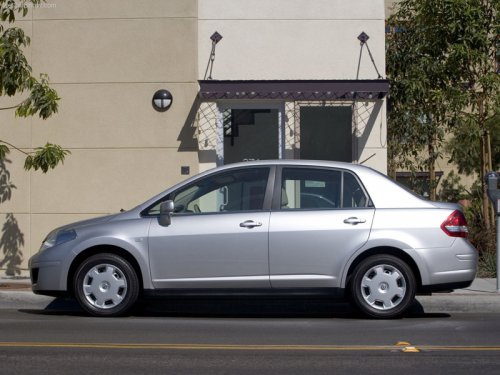
Nissan Versa
Nissan Versa
See also:
How It Moves
Our all-wheel-drive tester had enough power to reach cruising speeds with
little struggle, even with three adult occupants on board. On SV and SL models,
the Integrated Control system's three mode ...
Larger children
Children who are too large for child restraints
should be seated and restrained by the seat belts
which are provided. The seat belt may not fit
properly if the child is less than 4 ft 9 in (142. ...
Class I hitch
Class I trailer hitch equipment (receiver, ball
mount and hitch ball) can be used to tow trailers
of a maximum weight of 2,000 lb (909 kg).
You may add Class I trailer hitch equipment that
has ...