
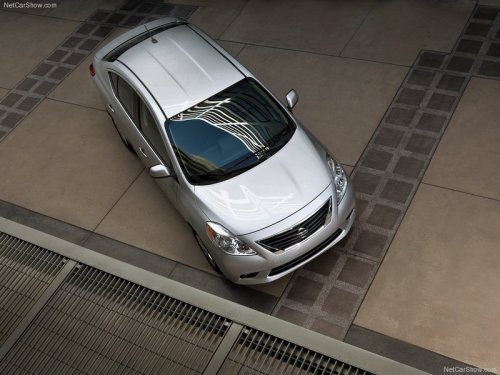
Nissan Versa
Nissan Versa
See also:
Intelligent Key battery
Replace the battery in the Intelligent Key as
follows:
1. Remove the mechanical key from the Intelligent
Key.
2. Insert a small screwdriver into the slit of the
corner and twist it to separ ...
Seat belt extenders
If, because of body size or driving position, it is
not possible to properly fit the lap-shoulder belt
and fasten it, an extender that is compatible with
the installed seat belts is available th ...
Manual air conditioner
1. Fan speed control dial
2. Temperature control dial
3. Air flow control dial
4. Air recirculation button
5. A/C (Air Conditioner) button
6. Rear window defroster button (See “Rear wi ...