
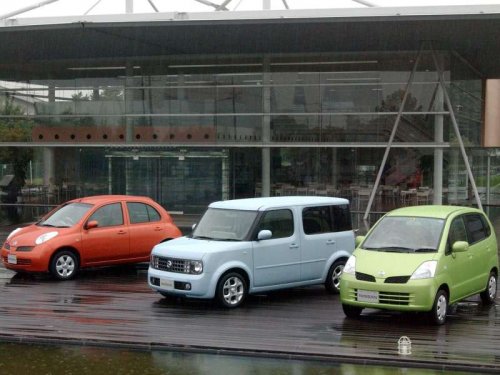
Nissan Cube
Nissan Cube
See also:
Underbody
In areas where road salt is used in winter, it is
necessary to clean the underbody regularly in
order to prevent dirt and salt from building up and
causing the acceleration of corrosion on the unde ...
Trailer hitch
Choose a proper hitch for your vehicle and
trailer. A genuine NISSAN trailer hitch is
available from a NISSAN dealer. Make sure the
trailer hitch is securely attached to the vehicle to
help av ...
How to use the remote keyless entry function
The remote keyless entry function can operate all
door locks using the remote keyless function of
the Intelligent Key. The remote keyless function
can operate at a distance of 33 ft (10 m) away ...