
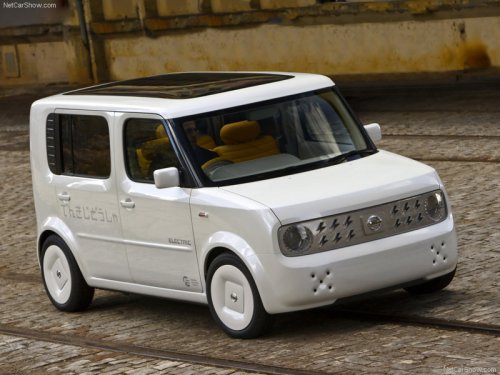
Nissan Cube
Nissan Cube
See also:
Vehicle Dynamic Control (VDC) system
The Vehicle Dynamic Control (VDC) system
uses various sensors to monitor driver inputs
and vehicle motion. Under certain driving conditions,
the VDC system helps to perform the
following funct ...
Pulling a stuck vehicle
Front
Do not use the tie down hooks for towing or
vehicle recovery.
Front:
Securely install the recovery hook 1 (stored in
the luggage room) as illustrated.
Make sure that the hook is proper ...
Seat belt maintenance
● To clean the seat belt webbing, apply a
mild soap solution or any solution recommended
for cleaning upholstery or carpet.
Then wipe with a cloth and allow the seat
belts to dry in the shad ...