
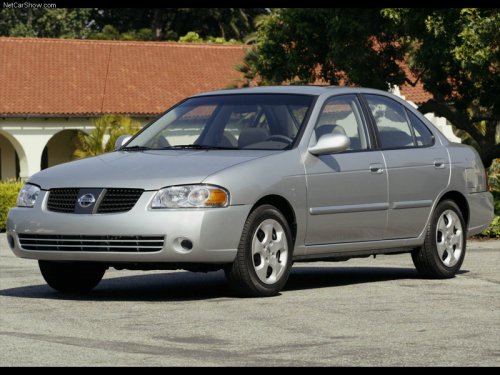
Nissan Sentra
Nissan Sentra
See also:
Unlocking doors
1. Press the button on the
Intelligent
Key.
2. The hazard warning lights flash once.
3. Press the button again within 5
seconds
to unlock all doors.
All doors will be locked automatically ...
Head restraints
WARNING
Head restraints supplement the other vehicle
safety systems. They may provide
additional protection against injury in certain
rear end collisions. Adjust the head
restraints properly, as ...
Locking with key
Drivers side
The power door lock system allows you to lock or
unlock all doors at the same time.
Turning the key toward the front (1) of the vehicle
locks all doors.
Turning the key one time ...