
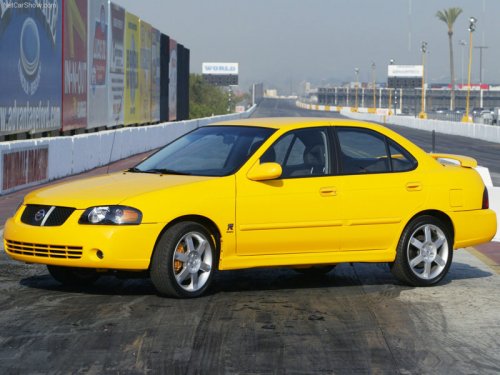
Nissan Sentra
Nissan Sentra
See also:
Safety & Features
The Cube has yet to be tested by the Insurance Institute for Highway Safety.
Standard safety features include six airbags, antilock brakes and an electronic
stability system; click here for the fu ...
Connecting procedure
1. Press the SETTING button on the instrument
panel and select the Bluetooth key
on the display.
2. Select the Connect Bluetooth key.
3. A popup box will appear on the screen,
prompting ...
EXTERIOR
The Juke's front styling is supposed to evoke thoughts of a crocodile sitting
just below the surface of the water, with its eyes peeking out, according to
Nissan. My neighbor's kindergarten-age so ...