
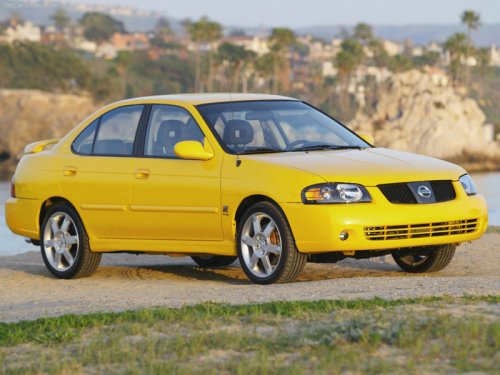
Nissan Sentra
Nissan Sentra
See also:
Push-Button Ignition Switch
Push-Button Ignition Switch
WARNING:
Do not operate the push-button ignition
switch while driving the vehicle except in
an emergency. (The engine will stop when
the ignition switch is pushed ...
Small When You Need It, Big Where You Want It
Knowing that entry-level vehicles are used as "workhorses" - for commuting on
weekdays, errand running on weekends and transporting family and friends all
week long - the designers of th ...
Terms
It is important to familiarize yourself with
the following terms before loading your
vehicle:
- Curb Weight (actual weight of your
vehicle) - vehicle weight including:
standard and optional eq ...