
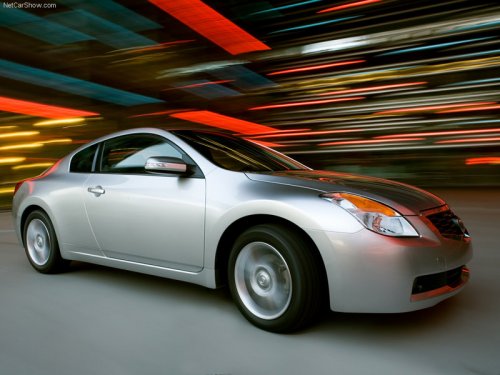
Nissan Altima
Nissan Altima
See also:
NISSAN Intelligent key battery discharge
If the battery of the Intelligent Key is almost discharged,
the guide light (A) of the Intelligent Key
port blinks and the indicator appears on the vehicle
information display. See Vehicle inf ...
Operating range
The Intelligent Key functions can only be used
when the Intelligent Key is within the specified
operating range.
When the Intelligent Key battery is discharged or
strong radio waves are present ne ...
Unlocking doors
Unlocking doors
1. Press the button on the
Intelligent
Key.
2. The hazard warning lights flash once.
3. Press the button again within 60
seconds
to unlock all doors.
All doors will be ...