
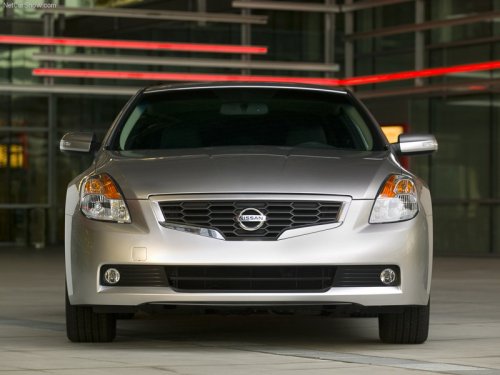
Nissan Altima
Nissan Altima
See also:
MODE select switch (models without Navigation
System)
Push the MODE select switch to change the
mode in the following sequence.
AM→FM*→SAT** (if so equipped)→CD***→ USB/iPod*** (if so equipped) → AUX*** → AM
* When ...
Touch screen operation
Selecting the item:
Touch an item to select. To select the “Navigation”
key, touch the “Navigation” key 1 on the
screen. Touch the “BACK”key 2 to return to the
previous screen.
Ad ...
Warning lights
For additional information on warnings and indicators,
see Vehicle information display later in
this section.
Anti-lock Braking
System (ABS)
warning light
When the ignition switch is pla ...