
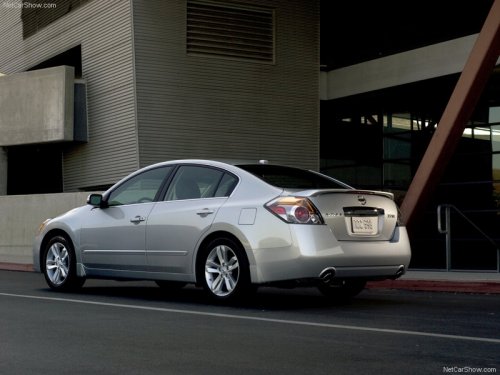
Nissan Altima
Nissan Altima
See also:
Rearview mirror
Rearview mirror
The night position 1 reduces glare from the
headlights of vehicles behind you at night.
Use the day position 2 when driving in daylight
hours.
Use the night position only ...
Supplemental air bag warning labels
Warning labels about the supplemental frontimpact
air bag system are placed in the vehicle as
shown in the illustration.
...
DOOR position
When the switch is in the DOOR position 2 ,
the ceiling light will illuminate under the following
conditions:
- ignition switch is turned to the LOCK
position
— remain on for about 15 seco ...