
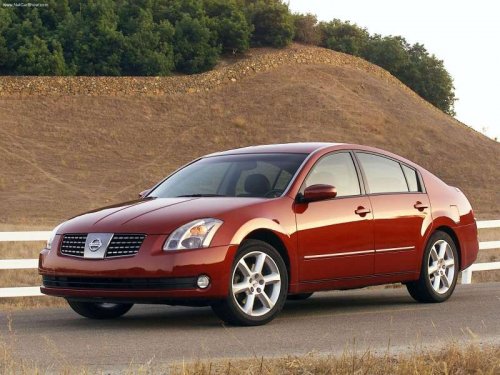
Nissan Maxima
Nissan Maxima
See also:
Floor mat positioning aid
This vehicle includes a front floor mat bracket to
act as a floor mat positioning aid. Genuine
NISSAN floor mats have been specially designed
for your vehicle model. The driver’s and passengerâ ...
Continuously Variable Transmission (CVT) (if so
equipped)
● Do not depress the accelerator pedal
while shifting from P (Park) or N (Neutral)
to R (Reverse), D (Drive) or L (Low).
Always depress the brake pedal until
shifting is completed. Fa ...
Opener operation
WARNING
● Do not drive with the trunk lid open. This
could allow dangerous exhaust gases
to be drawn into the vehicle. See “Exhaust
gas” in the “Starting and driving”
section of t ...