
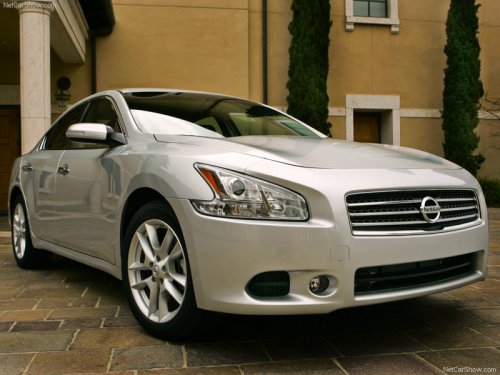
Nissan Maxima
Nissan Maxima
See also:
Operating tips
● When the shift selector is shifted to R (Reverse),
the monitor screen automatically
changes to the RearView Monitor mode.
However, the radio can be heard.
● It may take some time unt ...
Anti-freeze
In the winter when it is anticipated that the temperature
will drop below 32°F (0°C), check the
anti-freeze to assure proper winter protection.
For details, see “Engine cooling system” in the ...
Rear window and outside mirror (if so equipped)
defroster switch
Type A
To defrost the rear window glass and outside
mirrors (if so equipped), start the engine and
push the rear window defroster switch on. The
rear window defroster indicator light on the
swi ...