
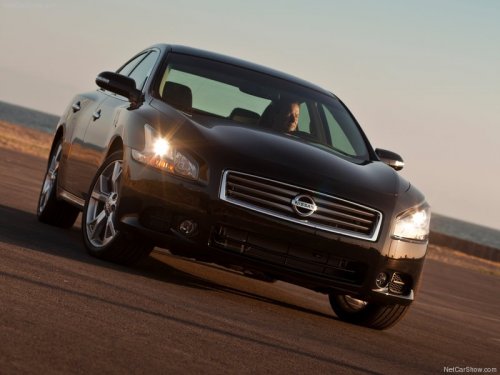
Nissan Maxima
Nissan Maxima
See also:
Continuously Variable Transmission (CVT)
The Continuously Variable Transmission (CVT)
in your vehicle is electronically controlled to
produce maximum power and smooth operation.
The recommended operating procedures for this
transmissi ...
How to select menus on the screen
Vehicle functions are viewed on the center display
screen in menus. Whenever a menu selection
is made or menu item is highlighted, different
areas on the screen provide you with important
in ...
Exterior front
1. Engine hood
2. Windshield wiper and washer switch
3. Windshield
4. Moonroof (if so equipped)
5. Power windows (if so equipped)
6. Door locks, keyfob (if so equipped),
NISSAN Intellige ...