
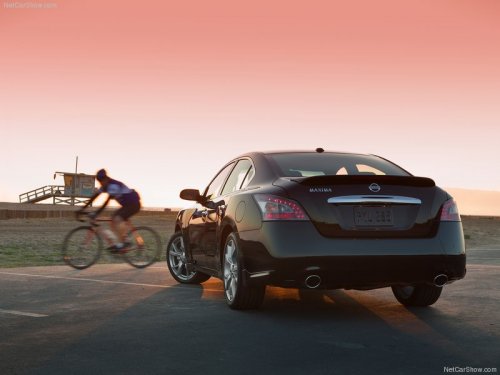
Nissan Maxima
Nissan Maxima
See also:
SENSE AND STYLE
Family Friendly (Not Really, Fair, Great, Excellent): Fair
Fun-Factor (None, Some, Good Times, Groove-On): Good Times ...
Self-test feature
The ABS includes electronic sensors, electric
pumps, hydraulic solenoids and a computer. The
computer has a built-in diagnostic feature that
tests the system each time you start the engine
and ...
Tire dressings
NISSAN does not recommend the use of tire
dressings. Tire manufacturers apply a coating to
the tires to help reduce discoloration of the rubber.
If a tire dressing is applied to the tires, it may
...