
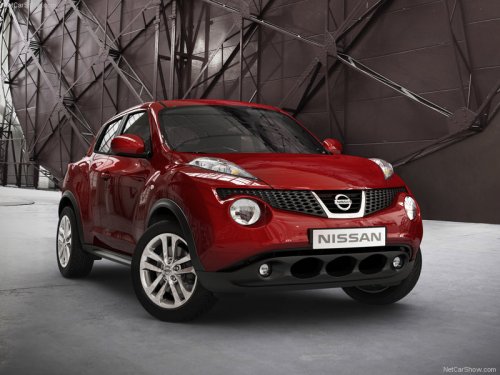
Nissan Juke
Nissan Juke / Gallery / Nissan Juke
Nissan Juke
See also:
Meters and gauges
Meters and gauges
1. Tachometer.
2. Speedometer.
3. Warning/indicator lights.
4. Fuel gauge.
5. Odometer/twin trip odometer.
6. Trip odometer change button.
7. Engine coolant temperature gaug ...
Precautions when starting and driving
- Do not leave children or adults who
would normally require the support
of others alone in your vehicle. Pets
should not be left alone either. They
could accidentally injure themselves ...
Head restraints
WARNING
Head restraints supplement the other vehicle
safety systems. They may provide
additional protection against injury in certain
rear end collisions. Adjust the head
restraints properly, as ...