
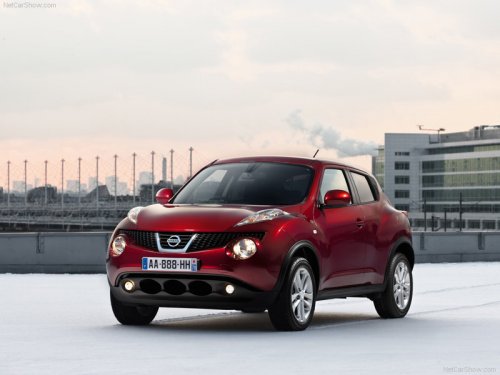
Nissan Juke
Nissan Juke / Gallery / Nissan Juke
Nissan Juke
See also:
Fuel gauge
The gauge indicates the approximate fuel level
in the tank.
The gauge may move slightly during braking,
turning, acceleration, or going up or down hills.
The gauge needle returns to E (Empty) af ...
Seatback pockets
Seatback pockets
The seatback pockets are located on the back of
the drivers and passengers seats. The pockets
can be used to store maps. ...
Avoiding collision and rollover
WARNING
Failure to operate this vehicle in a safe
and prudent manner may result in loss of
control or an accident.
Be alert and drive defensively at all times. Obey
all traffic regulations. Avoid ...