
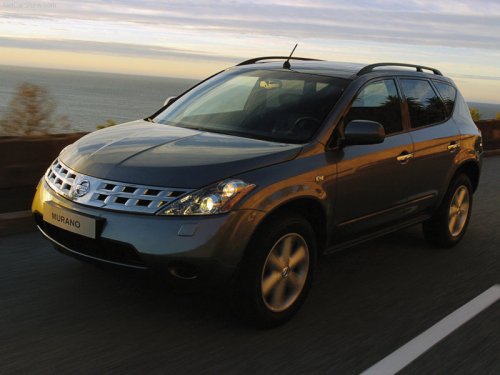
Nissan Murano
Nissan Murano
See also:
How to switch the display
: Shift the selector/shift
lever
: Push the CAMERA button
A : Original screen before the Around View Monitor is operated
B : Rear view/bird-eye view screen
C : Rear view/front-side view s ...
Before starting the engine
● Make sure the area around the vehicle is
clear.
● Check fluid levels such as engine oil, coolant,
brake fluid, and windshield-washer fluid
as frequently as possible, or at least when ...
NISSAN Voice Recognition System (if so equipped)
NISSAN Voice Recognition allows hands-free
operation of the systems equipped on this vehicle,
such as phone and vehicle information.
There are two voice recognition modes of operation
available ...