
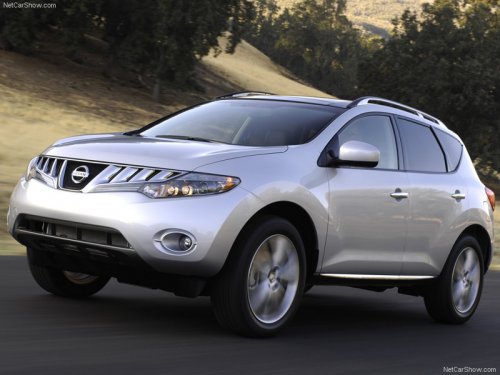
Nissan Murano
Nissan Murano
See also:
How to use the remote keyless entry
function
The remote keyless entry function can operate all
door locks using the remote keyless function of
the Intelligent Key. The remote keyless function
can operate at a distance of 33 ft (10 m) away
fr ...
Vents
Adjust air flow direction for the driver’s and passenger’s
side 1 , and center 2 ventilators by
moving the ventilator slide and/or ventilator assemblies.
Open or close the ventilators 1 by ...
AWD warning light
The AWD warning light is located in the meter.
The AWD warning light illuminates when the
ignition switch is turned to the ON position. It
turns off soon after the engine is started.
If any ma ...