
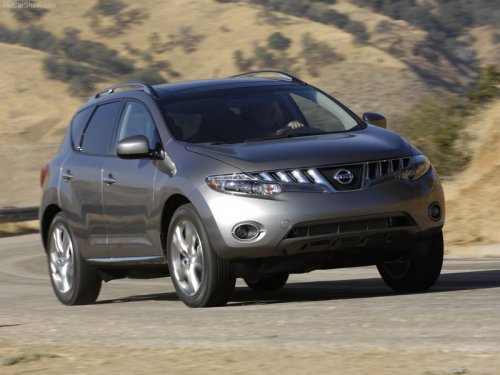
Nissan Murano
Nissan Murano
See also:
How to speak numbers
Voice Recognition requires a certain way to
speak numbers when giving voice commands.
Refer to the following examples.
General rule:
● Only single digits 0 (zero) to 9 can be used.
● ...
Choosing a language
You can interact with the Bluetooth Hands-Free
Phone System using English, Spanish or French.
To change the language, perform the following.
1. Press and hold the button for
more
than 5 seconds ...
Air conditioner button (if so equipped)
Air conditioner button (if so
equipped)
The button is provided only on vehicles equipped
with an air conditioner.
Start the engine, turn the fan control dial to the
desired position and push ...