
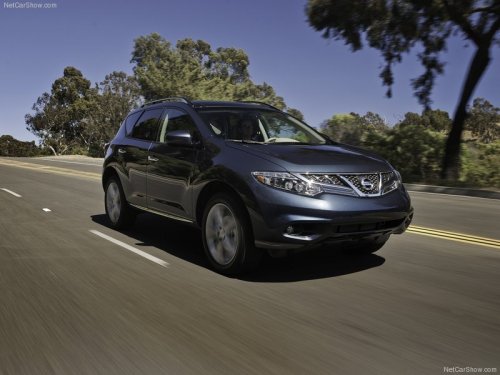
Nissan Murano
Nissan Murano
See also:
Backing up on a steep uphill
Backing up on a steep uphill
When backing up the vehicle up a hill, the
distance guide lines and the vehicle width guide
lines are shown closer than the actual distance.
For example, the displ ...
Size & Maneuverability
The Frontier has grown over the years with various redesigns, a trend that's
affected both trucks and cars. That said, it's still pretty easy to drive the
Frontier in the city.
Even on Chicago's ...
Fog light switch (if so equipped)
To turn the fog lights on, turn the headlight
switch to the position, then turn
the switch
to the position. To turn them off,
turn the
switch to the OFF position.
The headlights must be ...