
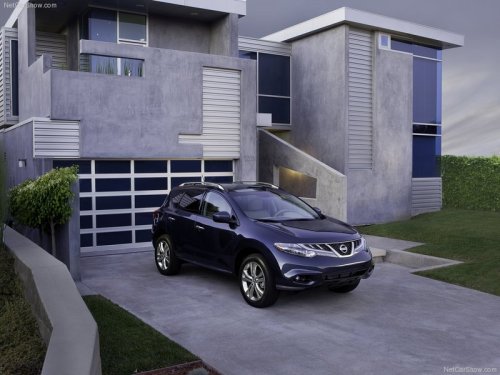
Nissan Murano
Nissan Murano
See also:
Seat belts
The seat belts can be cleaned by wiping them
with a sponge dampened in a mild soap solution.
Allow the belts to dry completely in the shade
before using them. See Seat belt maintenance
in the S ...
List of voice commands
When you press and release the
button on
the steering wheel, you can choose from the
commands on the Main Menu. The following
pages describe these commands and the commands
in each sub-me ...
Fog light switch (if so equipped)
Fog light switch (if so equipped)
To turn the fog lights on, turn the headlight switch
to the
position, then turn the fog light
switch to the position.
To turn the fog lights off, turn the ...