
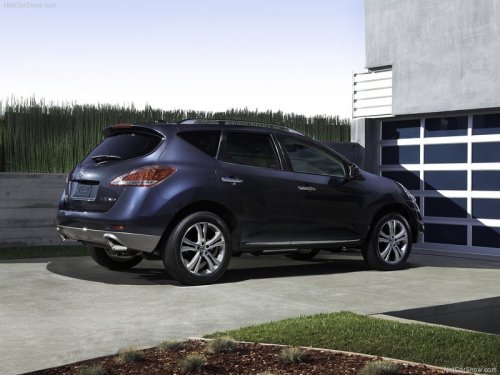
Nissan Murano
Nissan Murano
See also:
Rear seat air conditioner (if so equipped)
The rear seat passengers can adjust the climate
control system using the climate controls in the
rear armrest panel.
1. AUTO button.
2. button.
3. switch.
For information on canceling the re ...
Changing engine oil filter
QR25DE engine
A Oil filler cap
B Oil drain plug
C Oil filter
1. Park the vehicle on a level surface and apply
the parking brake.
2. Turn the engine off.
3. Place a large drain pan under th ...
Removing covers from rear parcel shelf
Remove the top tether anchor cover or key cylinder
cover as follows:
1. Lift the cover to the full open position.
2. Rotate the cover in the direction shown,
disengaging the hinge at 1 and sli ...