
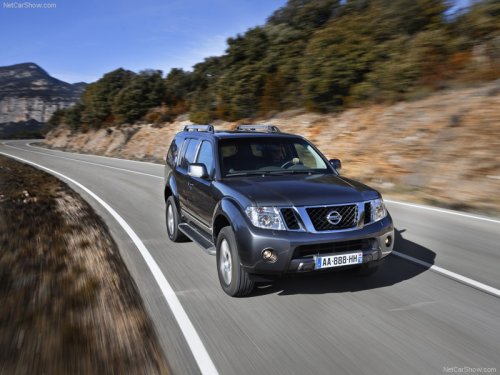
Nissan Pathfinder
Nissan Pathfinder
See also:
Supplemental air bag warning light
SUPPLEMENTAL AIR BAG
WARNING LIGHT
The supplemental air bag warning light,
displaying
in the instrument panel, monitors
the circuits of the supplemental front-impact
air bag, front seat ...
Battery replacement
CAUTION
Be careful not to allow children to swallow
the battery or removed parts. ...
USB interface (models without Navigation System) (if so equipped)
Connecting a device to the USB input
jack
The USB input jack is located in the center console.
Open the protective cover 1 on the USB
jack, then insert the USB device into the jack 2 .
When a ...