
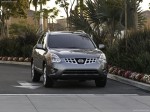
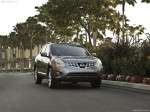
Nissan Rogue (2011)
Nissan Rogue / Gallery / Nissan Rogue (2011)

|
|
|

|

|

|
See also:
Personal lights - rear
To turn on the rear lights, press and release the
switch (1) .
To turn the rear lights off, press and release the
switch (1) . ...
Silencing the horn beep feature
If desired, the horn beep feature can be deactivated
using the Intelligent Key.
To deactivate: Press and hold the
and buttons for at least 2 seconds.
The hazard warning lights will flash 3 tim ...
Vehicle security system (if so equipped)
The vehicle security system provides visual and
audible alarm signals if someone opens the doors
when the system is armed. It is not, however, a
motion detection type system that activates when ...