
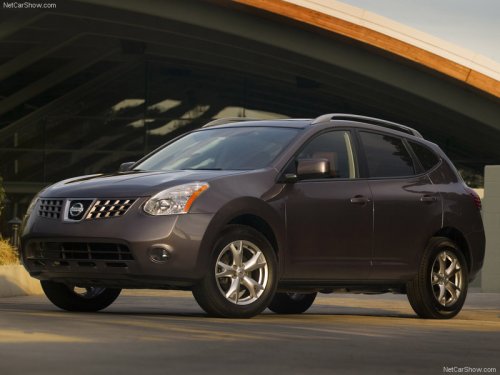
Nissan Rogue
Nissan Rogue
See also:
Air conditioner system refrigerant and oil
recommendations
The air conditioner system in your NISSAN
vehicle must be charged with the refrigerant
HFC-134a (R-134a) and NISSAN A/C
system oil Type S or the exact equivalents.
CAUTION
The use of any other re ...
Tongue load
Keep the tongue load between 10 - 15 percent of
the total trailer load or use the trailer tongue load
specified by the trailer manufacturer. The tongue
load must be within the maximum tongue load ...
Precautions on cruise control
● If the cruise control system malfunctions, it
cancels automatically. The SET indicator
light in the instrument panel then blinks to
warn the driver.
● If the SET indicator light blin ...