
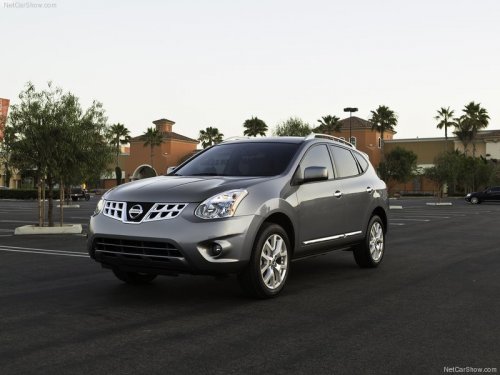
Nissan Rogue
Nissan Rogue
See also:
Parking brake
WARNING
● Be sure the parking brake is fully released
before driving. Failure to do so
can cause brake failure and lead to an
accident.
● Do not release the parking brake from
outsid ...
Chrome parts
Clean all chrome parts regularly with a nonabrasive
chrome polish to maintain the finish. ...
Bluetooth settings
To set up the Bluetooth Hands-Free Phone
System to your preferred settings, press the SETTING
button on the instrument panel and select
the Bluetooth key on the display.
Bluetooth:
Turn the ...