
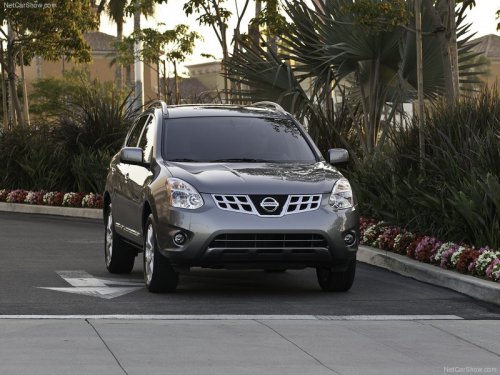
Nissan Rogue
Nissan Rogue
See also:
Intelligent Key door buzzer (if so equipped)
When the chime or buzzer sounds from inside
and outside the vehicle, check for the following:
- The ignition switch is turned to the LOCK
position.
- The intelligent Key is not left inside the ...
Controls
Controls
1. Fan control dial
2. Air recirculation button
3. Temperature control dial
4. Air conditioner button
5. Air flow control dial
6. Rear window defroster ...
Manual operation
Fan speed control
Turn the fan speed control
dial to manually
control the fan speed.
Push the AUTO button to return to automatic
control of the fan speed.
Air recirculation
Push the air reci ...